Correspondence
Generate patient letters from clinical notes (or by dictation), refine them interactively, and manage standard letter templates.
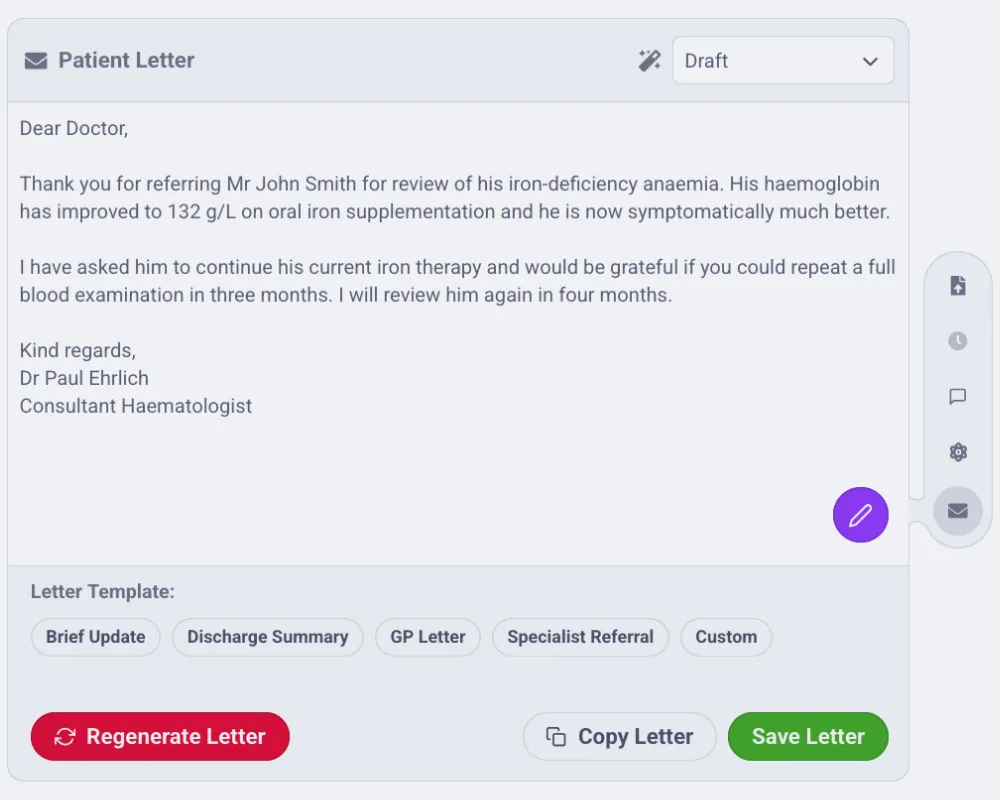
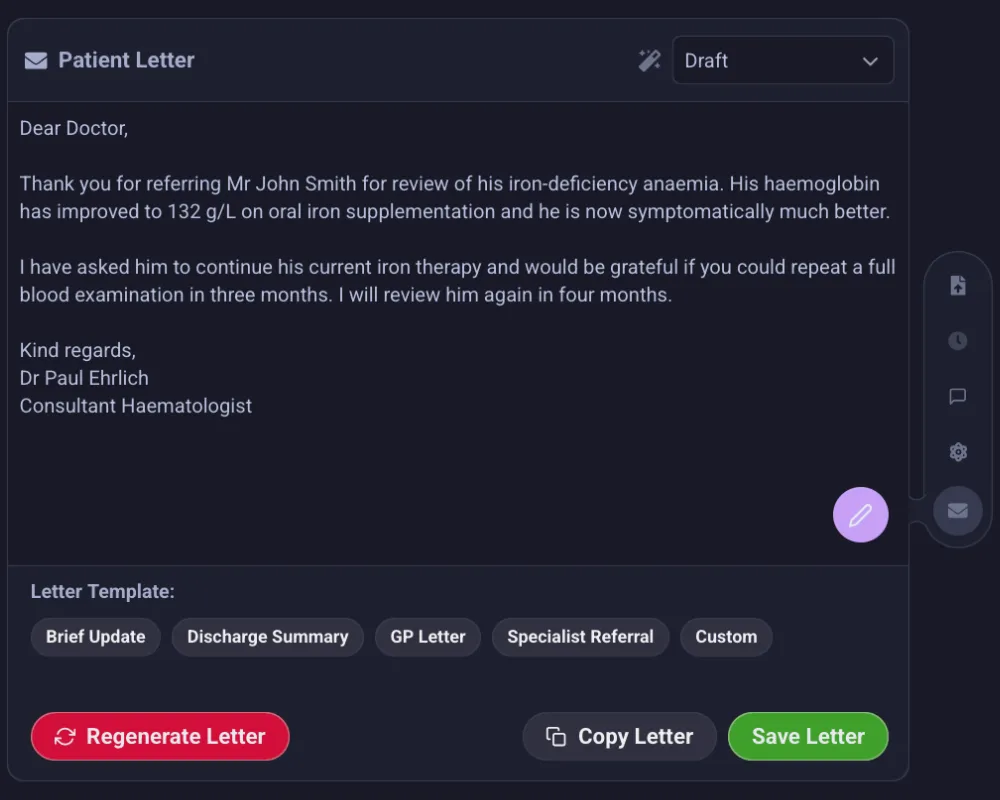
Generating a Letter
Open the Letter button in the Floating Action Menu (available after saving the encounter). There are two modes:
- Draft — generates a letter from the current encounter note, using either a selected template or Custom instructions you type in.
- Dictate — record yourself dictating the letter; Phlox transcribes it and the LLM formats it into a proper correspondence letter using the dedicated Dictation letter template.
- By voice (live agent) — during a live agent session, say "write to the GP about today's visit": the agent lists your letter templates, drafts the letter, and stages it in the live panel under Prepared for review (click to open it in the letter editor). Refine it by voice ("make the referral letter shorter") and save it by saying "save the letter".
Then Refine, Copy, or Save the result.
Interactive Refinement
Once a draft exists, you can refine it:
- Suggestion chips — one-tap refinements such as More formal, More concise, Add detail, Improve clarity.
- Free-text refinement — describe any change in your own words.
Refinement maintains conversation context, so successive refinement requests build on each other. Token management for the LLM's context window is handled automatically.
Letter Templates
Letter templates are managed separately from note templates, in Settings → User Settings → Letter Templates:
- Default templates are included.
- The Dictation template is protected (used by Dictate mode).
- You can set a default letter template for quick generation.
- Create custom templates with specific instructions.
Admins can tune the Letter Generation Temperature in Settings → Admin Settings → LLM (0–2, default 0.6; higher values produce more varied wording).