Task Manager
Phlox tracks two distinct kinds of tasks: encounter jobs (action items extracted from clinical notes) and workspace to-dos (a general list managed from the dashboard). They are separate systems and surface in different places.
Encounter Jobs
Action items are extracted from the Plan section of a note. For example:
Plan:
1. Order blood tests
2. Follow up in 2 weeks
Jobs are auto-generated when you save an encounter. The extraction distinguishes action items from review/follow-up items; the latter can be promoted into jobs if you choose.
Wrap Up
The Wrap Up modal is the intended way to finish an encounter. It runs job extraction, shows the proposed action items and any excluded follow-up items, and lets you confirm and finish. Confirming also triggers the adaptive refinement feedback pass.
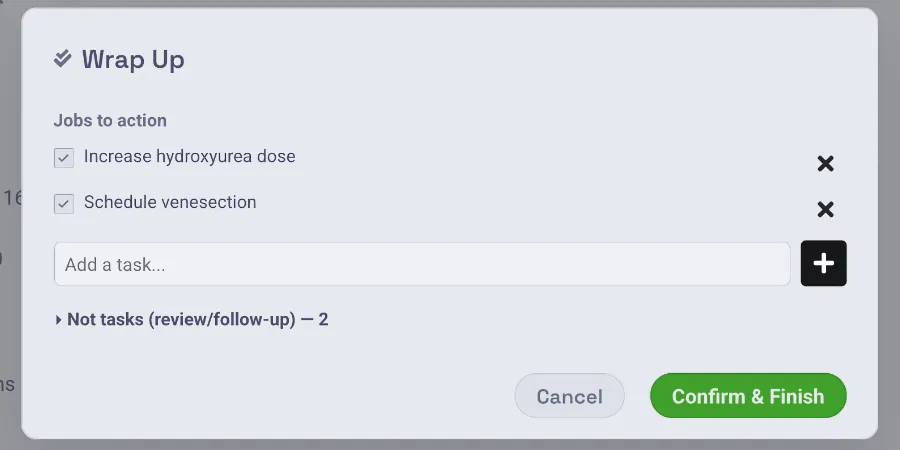
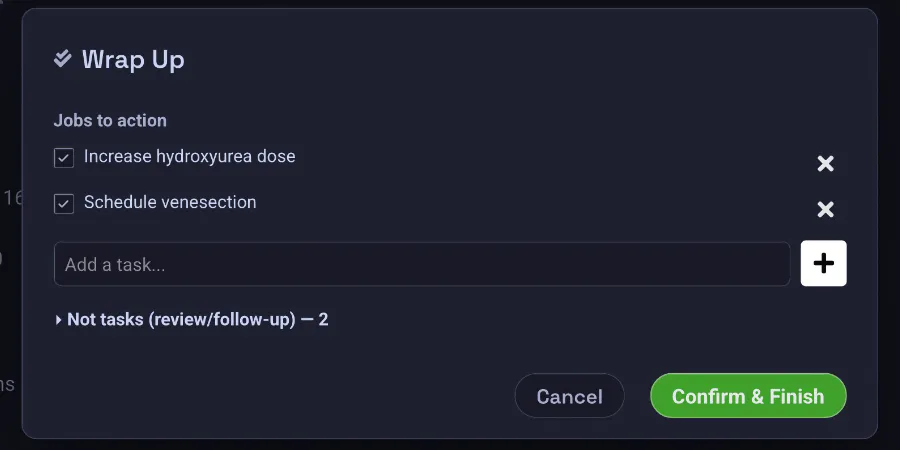
During a live agent session, ending the visit (by voice or with the stop button) opens Wrap-Up automatically, and you can curate the job list by voice — "just keep the 'email CDU' job" — with the checkboxes updating live as you speak.
Workspace To-Dos
Separately, the dashboard has a general to-do list (managed in the Agent Dashboard to-do panel). These are not tied to any patient or encounter. Add, complete, filter, and delete them from the panel, or ask the chat agent to manage them via the todo_list tool.
Viewing & Completing Jobs
- Per clinic day: the Clinic Summary view.
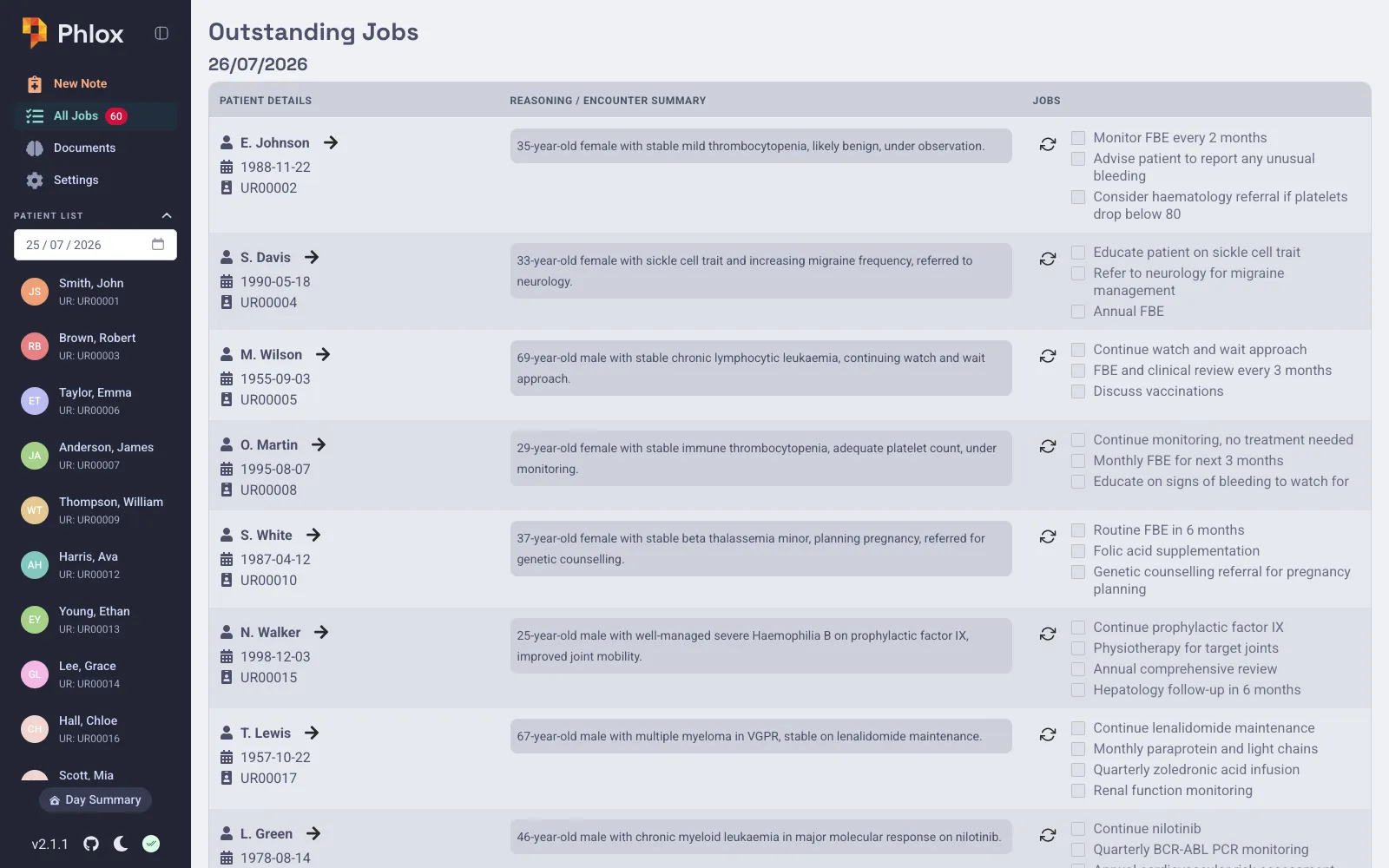
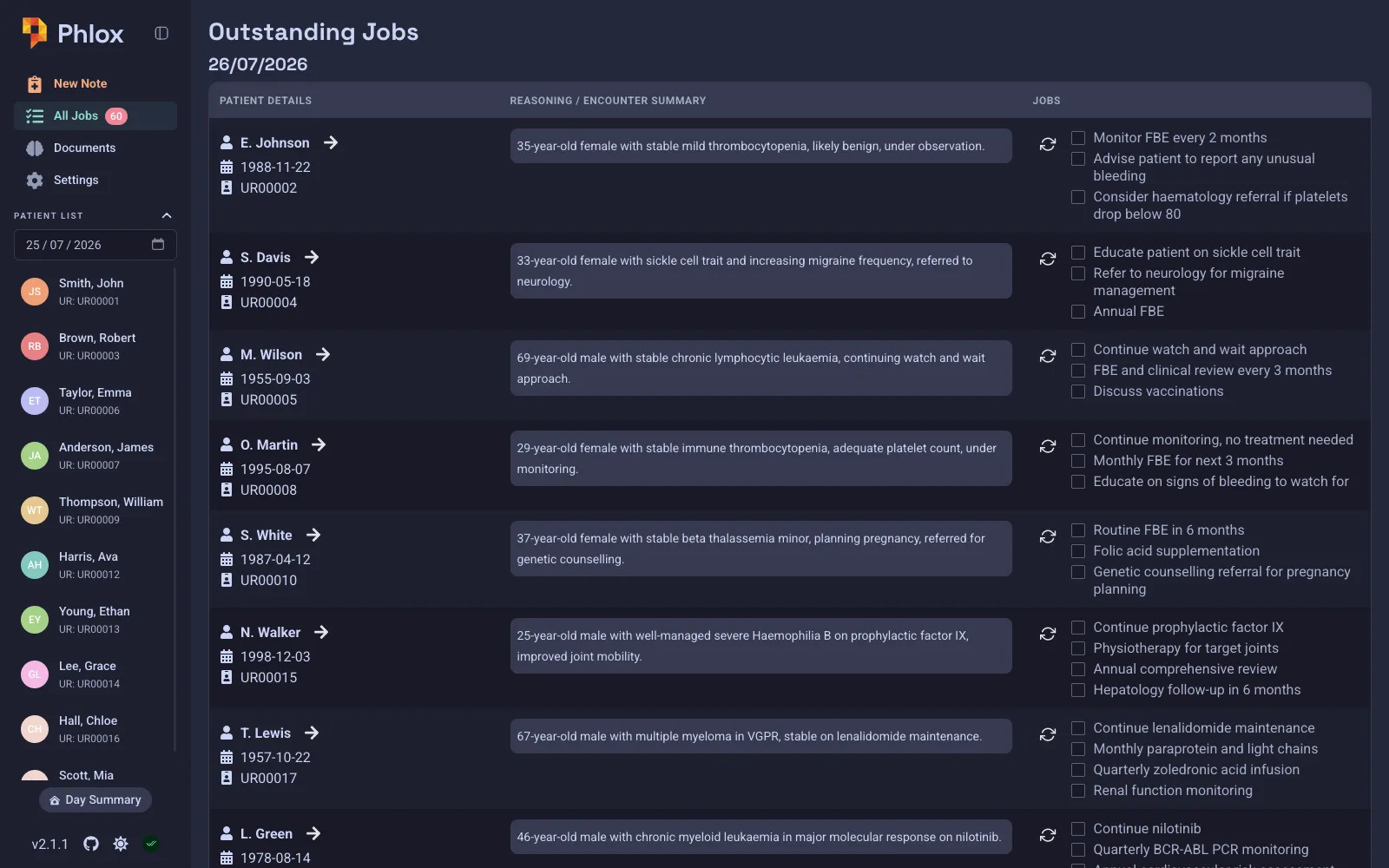
- All outstanding: the Outstanding Jobs view, grouped by patient and date.
- Sidebar badge: shows a count of incomplete jobs across all patients.
Mark jobs complete by clicking their checkboxes. Completed rows dim; when all jobs for an encounter are done the row reflects that. You can also reset jobs for an encounter.
Agent Integration
The AI chat can manage tasks through tool calls — listing patients with outstanding jobs, completing specific jobs, and searching patient notes for related information:
list_outstanding_jobs/get_patient_jobs— find incomplete jobs.complete_job— mark a job done.todo_list— manage workspace to-dos.