Agent Dashboard
The Agent Dashboard (the app's home screen) is a chat-driven hub for clinic management. It combines a conversational AI interface with a workspace to-do panel and specialty-aware suggestions.
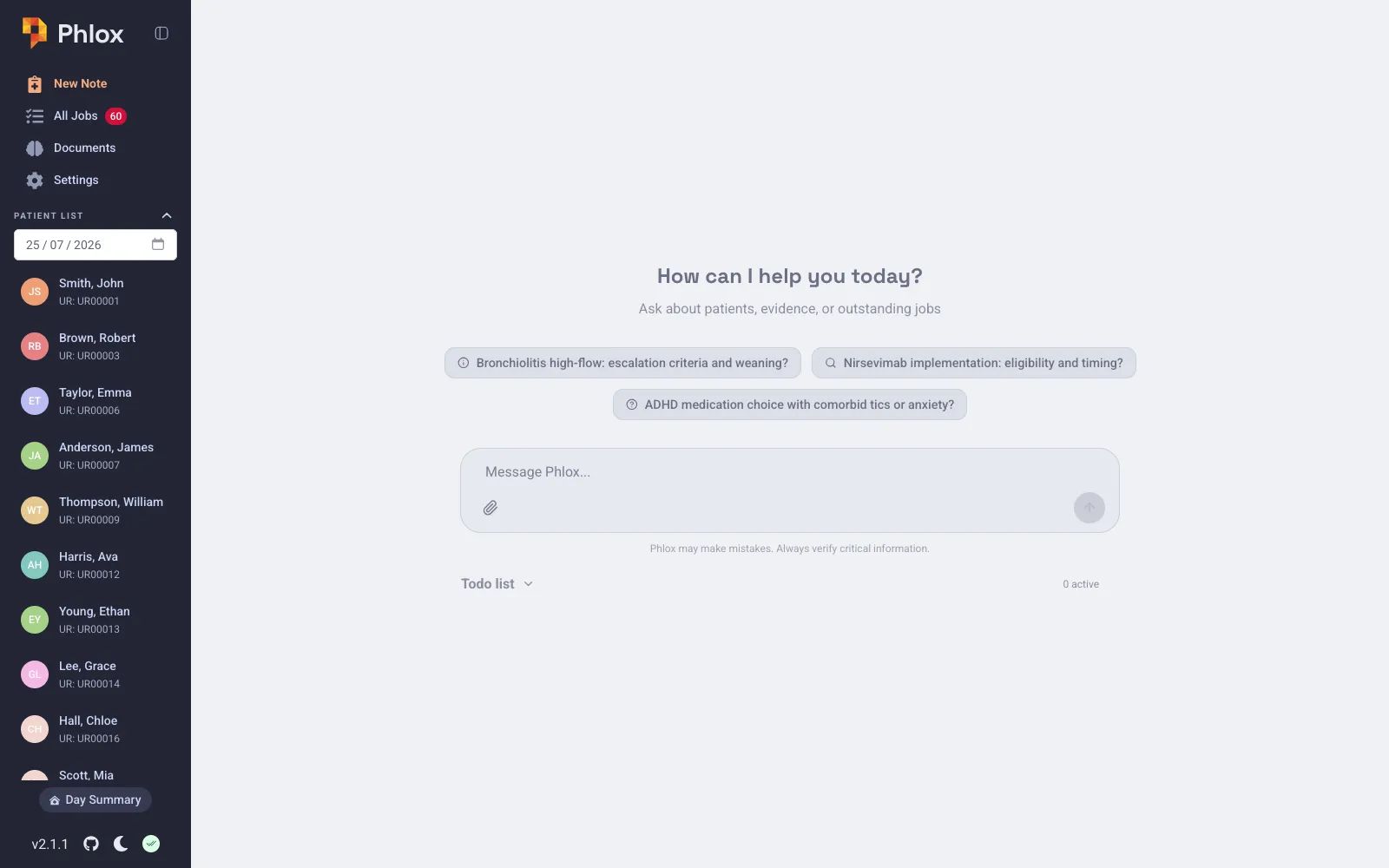
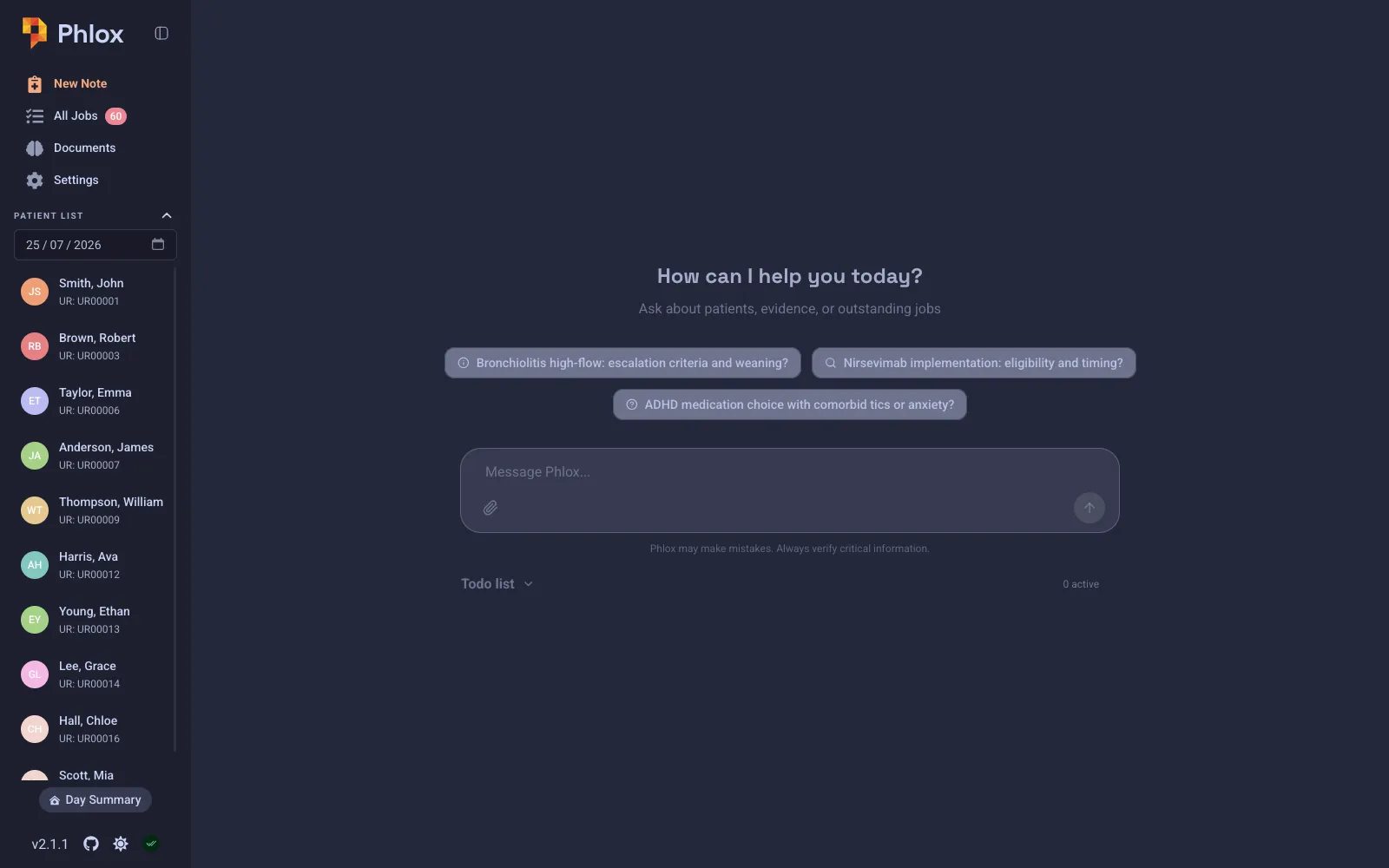
Chat Interface
- Ask questions about patients, clinical notes, and medical literature.
- Attach files — drag and drop PDFs or images (PNG/JPEG/GIF) into the chat, or use the attachment button. Files are processed using your configured document/image processing mode.
- Get responses with inline citations and a sources footer — see Citations.
- Receive downloadable artifacts (binary files and PDF form-fills) — see Artifacts.
- Watch the AI work via the collapsible activity trace (thinking + tool calls).
- The dashboard uses RAG-mode chat (general medical chat with access to your knowledge base).
Specialty-aware suggestions
When the chat is empty, Phlox shows suggestion chips tailored to the specialty you set in Settings → General. Configure your specialty to get relevant starting prompts.
Disclaimer
Once per session, a disclaimer modal reminds you that Phlox is experimental software, is not a certified medical device, and is not HIPAA/GDPR compliant. You must acknowledge it before continuing. (See Limitations & Warnings.)
To-Do Panel
The collapsible to-do panel holds your workspace to-dos (general tasks, not patient encounter jobs). To-dos belong to the signed-in user — each account has its own list:
- Add, complete, and delete items.
- Filter between active and all tasks.
- Ask the AI to manage items for you via the
todo_listtool.
Patient encounter jobs live separately — see Task Manager.
Tools
The dashboard chat has access to the same built-in tools as patient chat, plus any configured MCP server tools. The AI decides which tools to call based on your query.
Service Status
A service-status badge in the sidebar shows the live health of your LLM, transcription, and embedding endpoints/providers — useful for diagnosing why a request might be failing.